Step 1. Upload your video
Drag, paste, or click to upload your video from your gallery. We support all major video formats, including MP4, MOV, M4V, 3GP, and AVI

Drag / Paste / Click
Free online AI video enhancer with advanced detail restoration. Upscale videos to 2K, 4K, or 8K, restore missing detail, reduce blur, noise, and artifacts, and make motion look smoother frame by frame. Designed for AI-generated clips, portraits, old videos, gameplay, animation, and heavily compressed footage. 100% safe.
BeforeAfterClick or drop to upload, paste files.?
Drag, paste, or click to upload your video from your gallery. We support all major video formats, including MP4, MOV, M4V, 3GP, and AVI
Upload your video and let AI automatically choose the best enhancement model, or manually select 2K, 4K, or 8K. Specialized models optimize Portrait, Product, Low-Light, Gaming, and Anime.
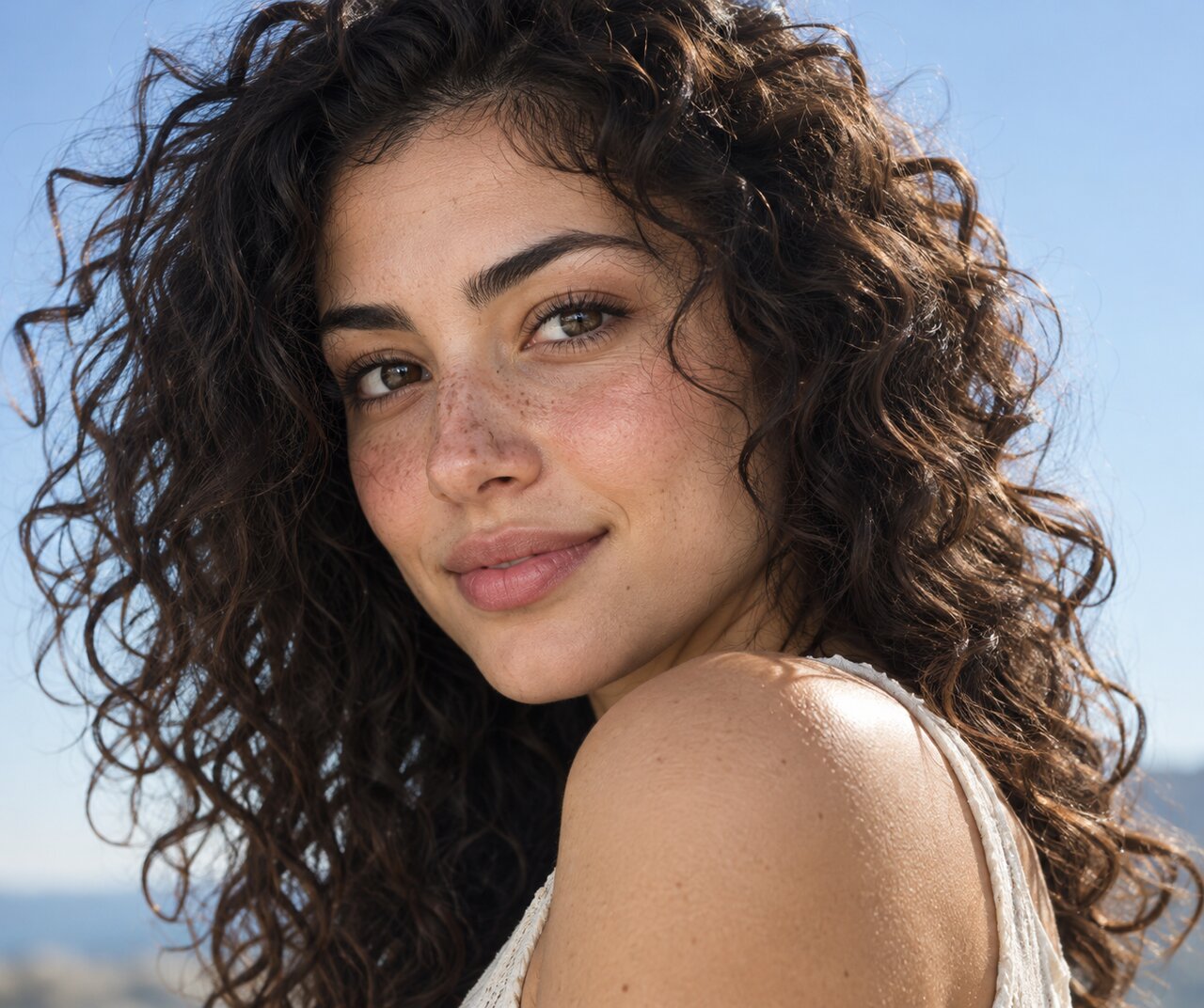
Check your enhanced video, choose your format, and now your perfectly optimized video is just one export away.
 BeforeAfter
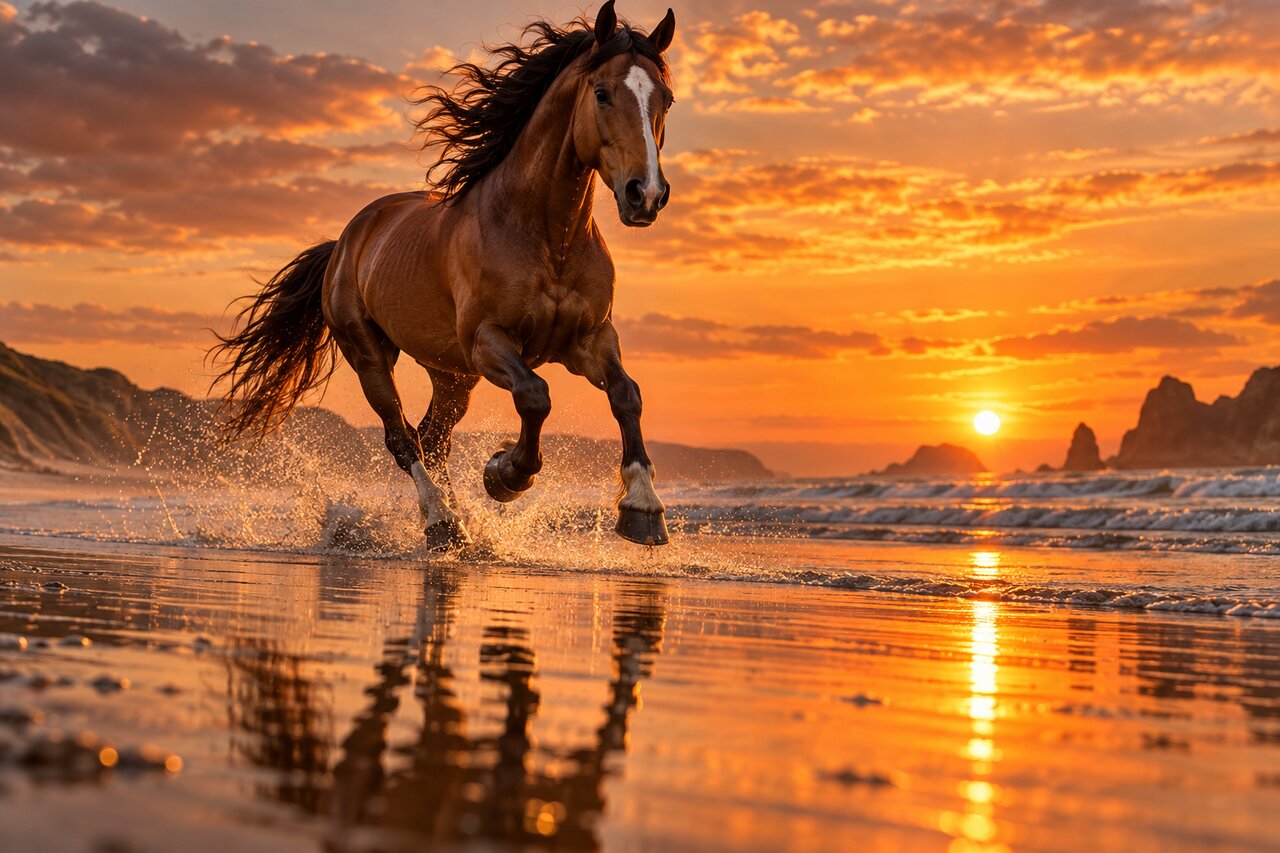
Turn low-resolution videos into sharper, cleaner, higher-resolution footage. Enhance to 4K, 8K, or other export-ready resolutions when you need more detail for close-ups, product shots, large screens, or high-quality content. Hair, skin, fabric, product surfaces, and backgrounds look clearer, while noise, compression marks, and unwanted artifacts are reduced without making the video look over-processed.
BeforeAfterBring out the facial details that standard upscaling often misses. Improve features, hair detail, skin texture, edges, and overall clarity for a cleaner 4K or even 8K-quality look. Reduce flicker, jitter, waxy skin, and over-processed backgrounds, so portraits and talking videos look sharper, smoother, and more natural.
 BeforeAfter
Turn everyday phone clips into ready to post footage. Stabilize shaky clips, improve clarity, and reduce the dull, blurry look of quick recordings. People, products, and backgrounds look cleaner, brighter, and more polished, so casual videos feel more like social-ready content for TikTok, Reels, Shorts, and product posts.
 BeforeAfter
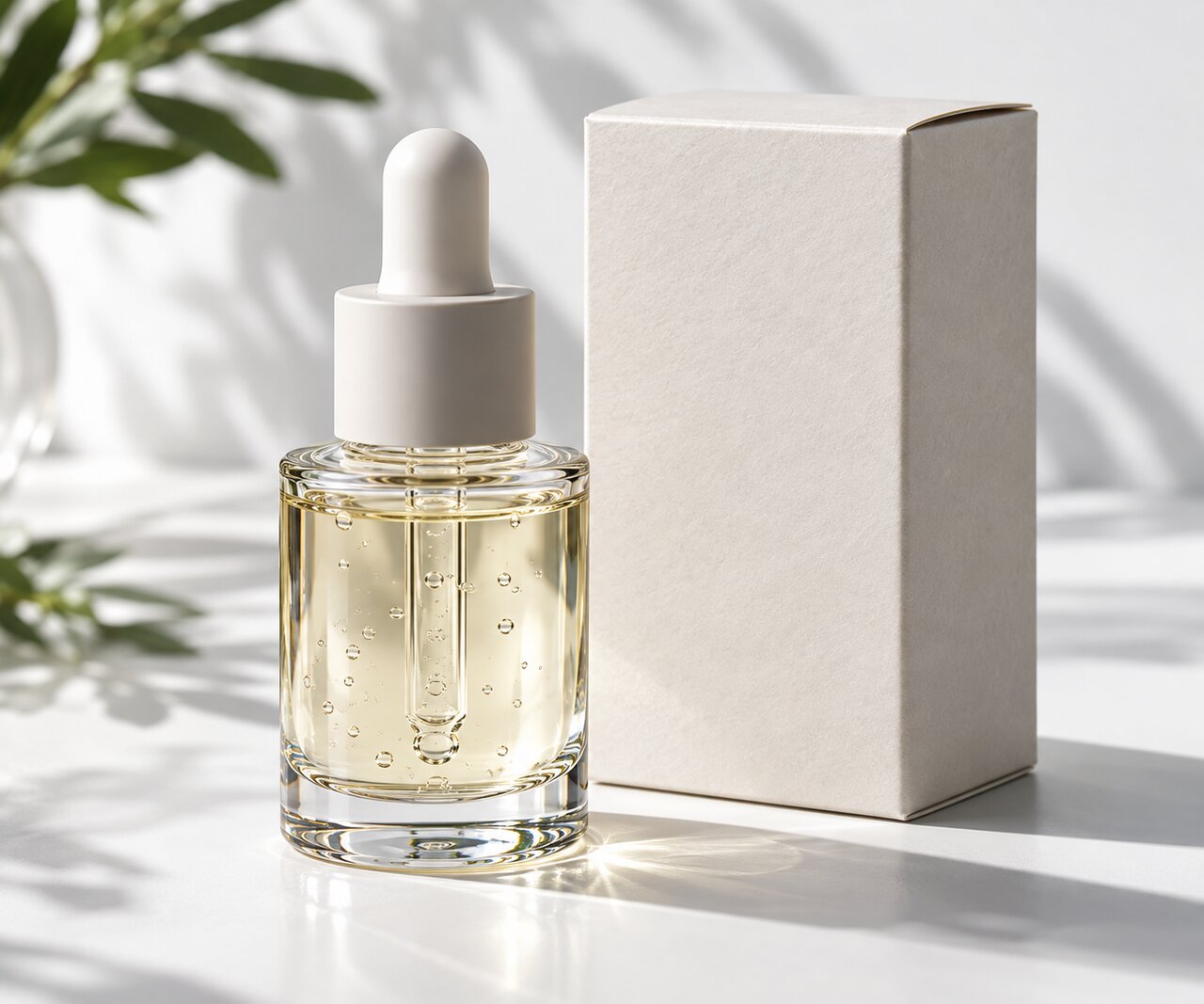
Make AI-generated footage feel more real. Reduces over-smoothing, fixes texture repetition, improves light and color balance, and rebuilds detail while keeping artifacts under control—great for Sora-style outputs and composited content.
 BeforeAfter
Help shoppers see what they need before they buy. Sharpen labels, text, graphics, and small surface details, while making colors and materials look cleaner and more consistent. Great for product listings, ads, close-up shots, and demo videos.
Clarity is only the start. Unlike typical enhancers that rely on filters, AI Video Enhancer's AI model applies generative scene reconstruction—understanding what's in the frame and rebuilding fine detail and texture that compression or low resolution removed. You get sharper video without the crunchy edges, waxy skin, or artificial look.
 BeforeAfter
 BeforeAfter
Reduces compression noise, ringing, ghosting, repeated textures, over-smoothed areas, and unwanted generation artifacts while preserving natural grain and fine detail.
 BeforeAfter
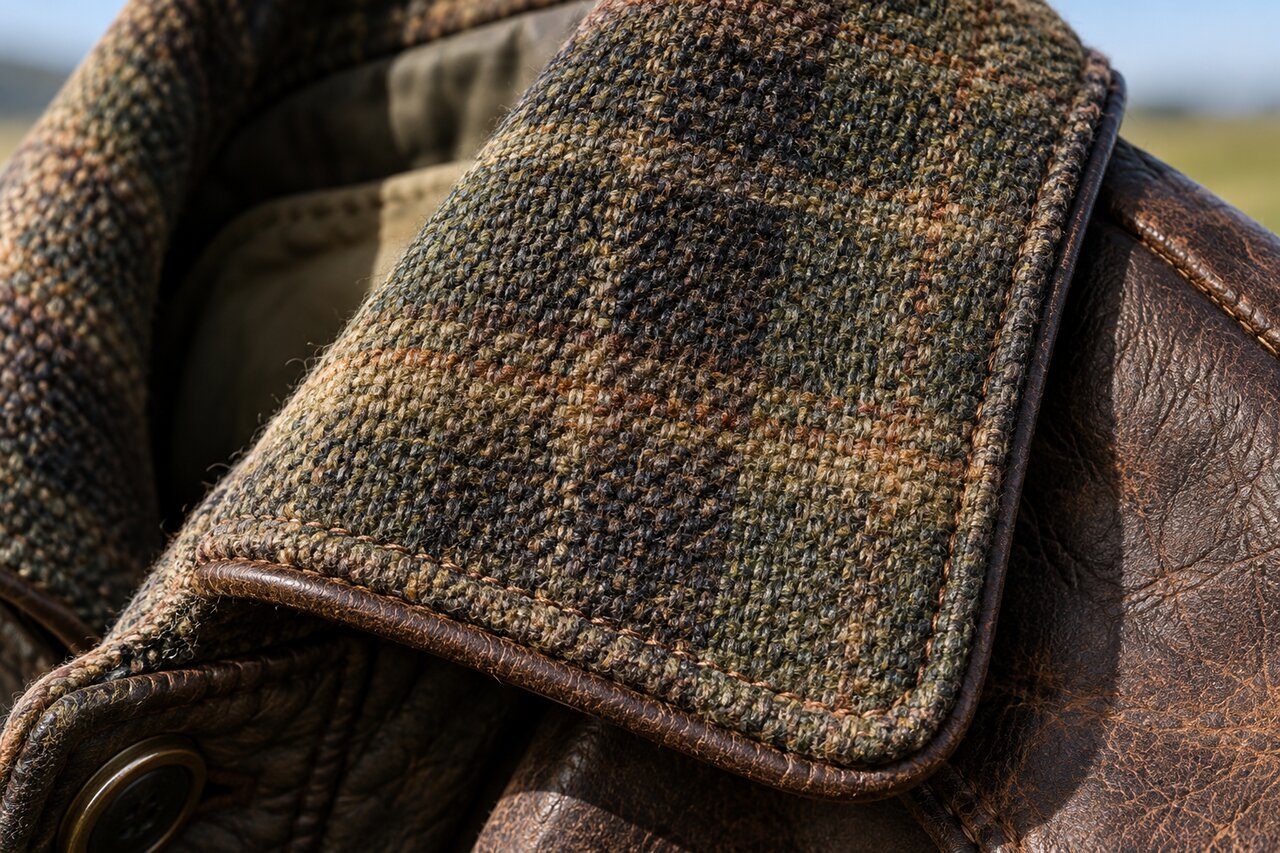
Reconstructs missing micro details and restores complex textures, edges, contours, and structural information with higher visual accuracy.
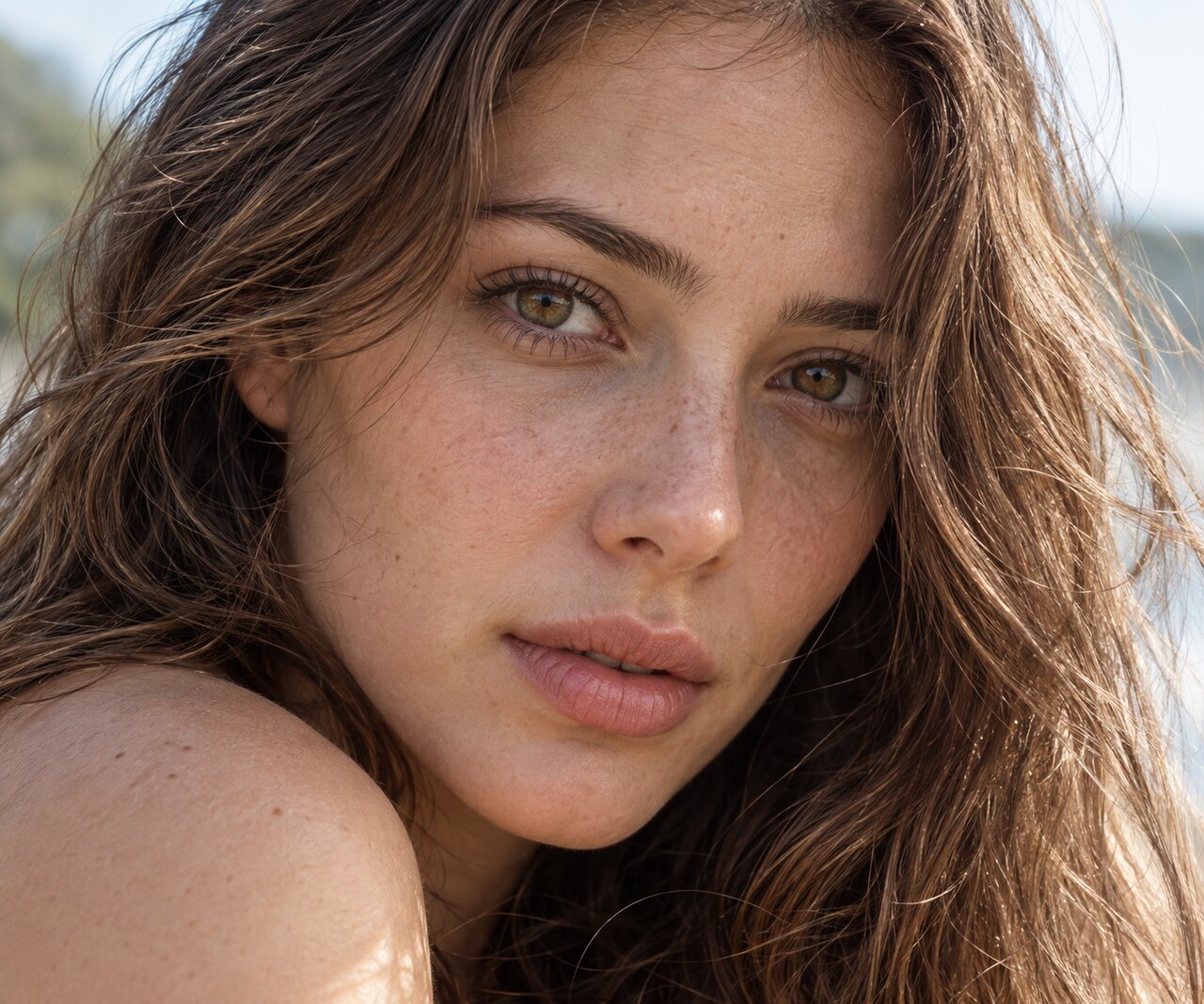 BeforeAfter
Applies a dedicated realism restoration model to reduce synthetic surfaces and recover more natural skin texture, hair strands, fabric patterns, and material detail.
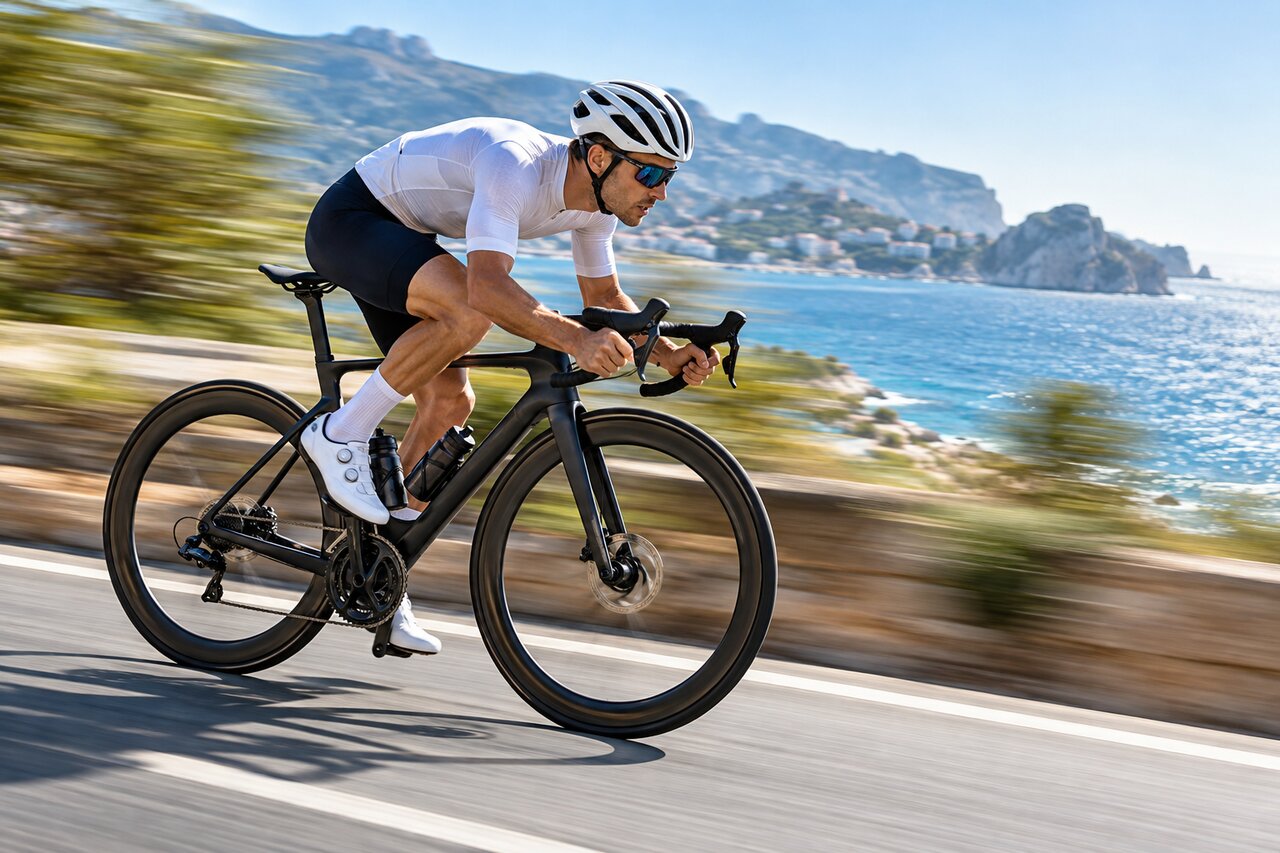 BeforeAfter
Combines AI super resolution with intelligent frame interpolation to improve image clarity, output resolution, and motion smoothness in one enhancement workflow.
 BeforeAfter
Preserves structure, texture, and visual consistency at higher upscale ratios, avoiding the stretched, blurry look caused by basic pixel enlargement.
 BeforeAfter
Understands what is inside each frame and rebuilds detail scene by scene, so faces, textures, and backgrounds stay consistent from the first frame to the last.
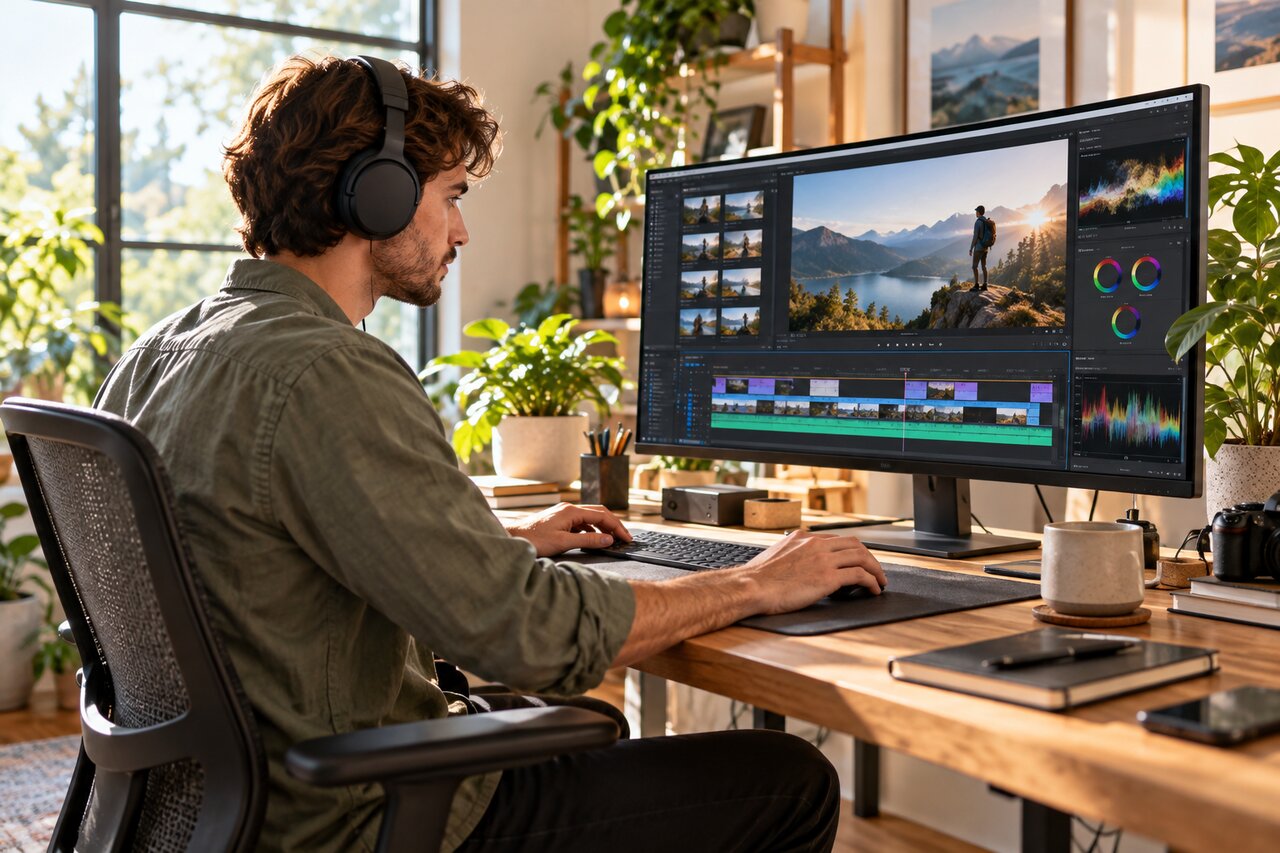
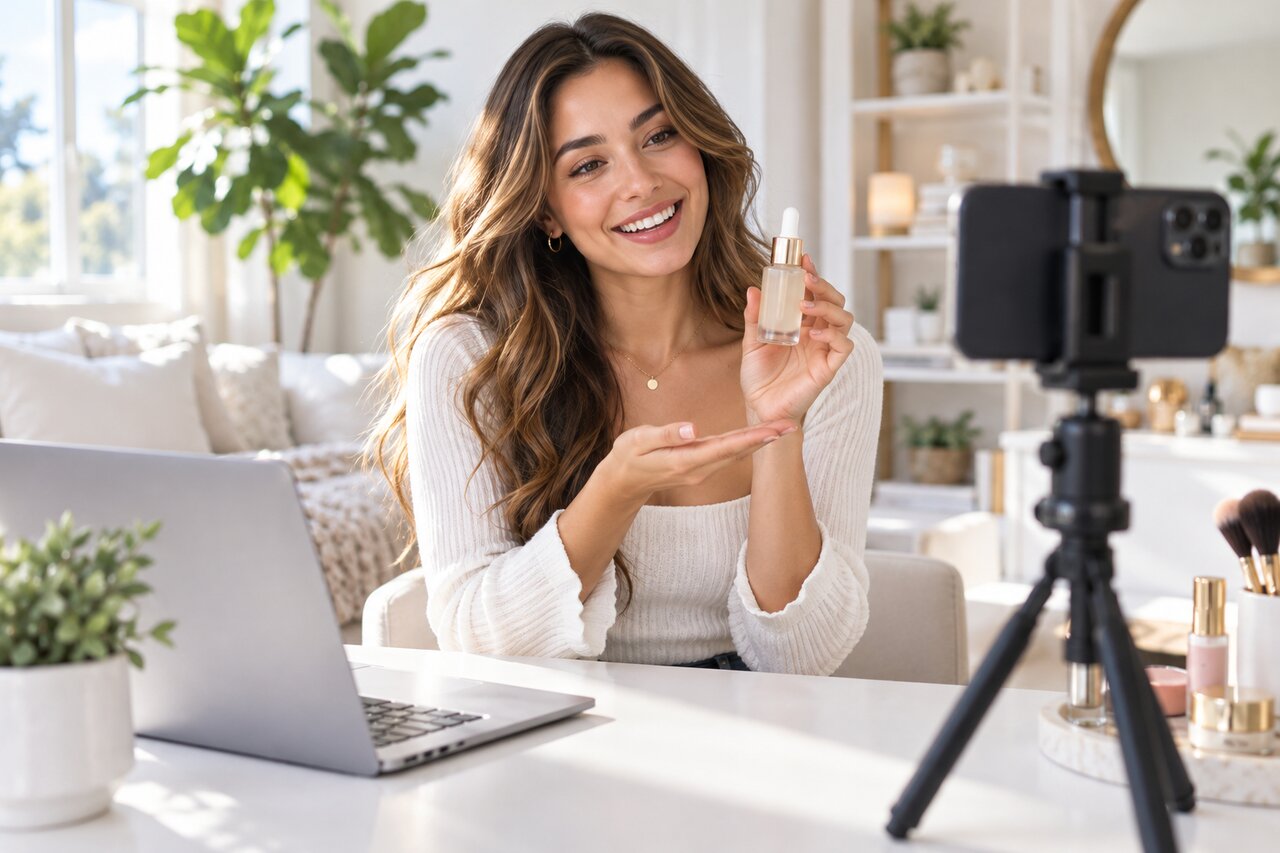

Enhance multiple videos at once and save time on every export you need for the week.
We take your privacy as our priority. Only you can access the videos you upload and enhance.
AI Video Enhancer supports different enhancement scenarios: portraits, products, low-light, gaming, and animation.
AI Video Enhancer requires no technical skills. All you need is to upload your video, then AI will do the rest and provide you with satisfied high-quality video.
One-click to receive the top AI enhancing results with our intuitive interface. Get instant access to the world’s top high-end AI technology. No downloads, no signups, no ads.
No need to worry about annoying ads or viruses. AI Video Enhancer provides a smooth and safe experience for every user.

I just wanted to share a heartfelt thank you for creating such an amazing AI Video Enhancer app. It has been incredibly helpful for bringing my ideas to life. I love making videos, and the enhancers and sizing options are truly my favorite features — they make everything look sharper, cleaner, and so much more impressive.
Cassidy
Create UGC video that sells, in one place.

Remove watermarks and subtitles from videos automatically.
Enhances videos to 2K or 4K without quality loss.

AI dubbing, translate, and lip sync videos.
Create videos using text, images, or even other videos.
Erase video background with accuracy.
Convert your audio and video files into subtitles and transcripts.

Remove background noise from the video.
Upload your blurry video now and dive into the all-new world of high-quality videos with AI Video Enhancer!